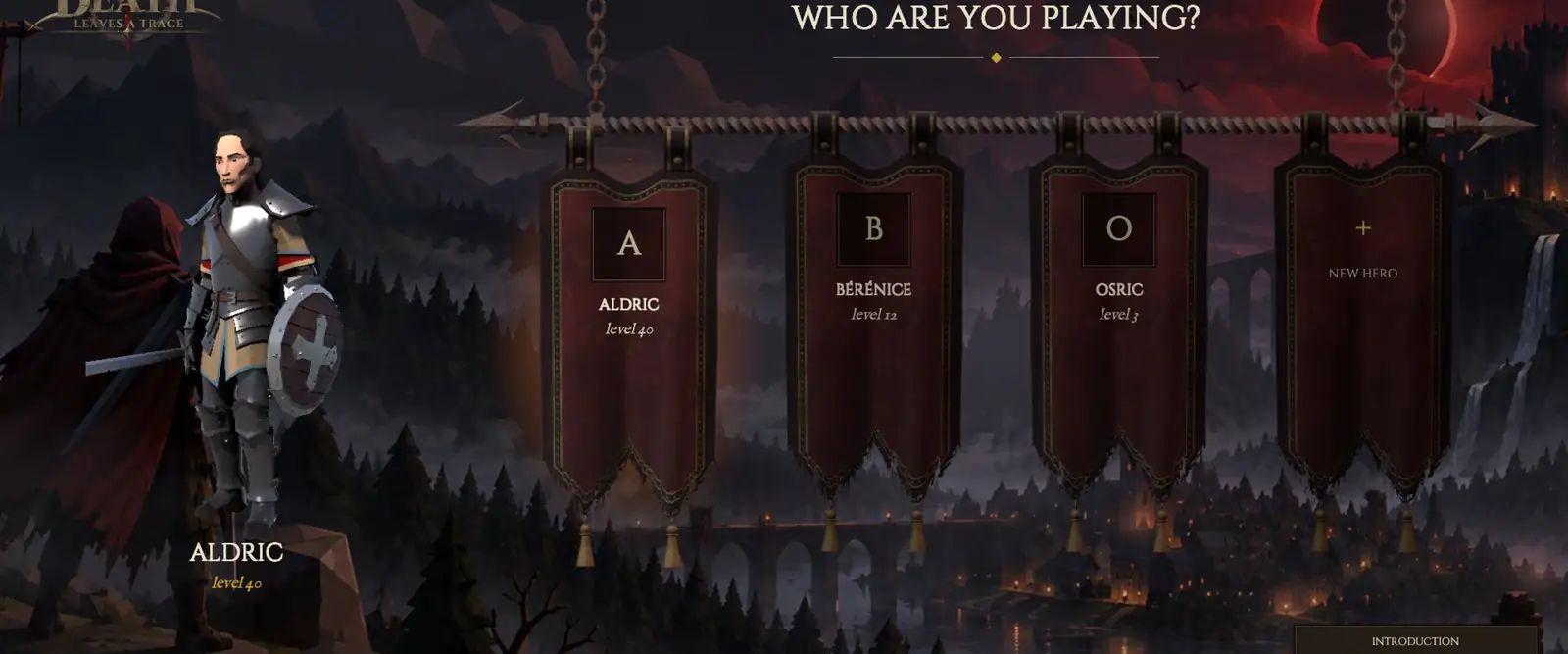
The launcher
- Sign up on the Alpha #2 page: an account name and a password.
- Download the launcher, for Windows or for Linux (64-bit).
- Run it: it downloads the game, then every update.
- Log in with your account: LOG IN, then NEW HERO.
Windows: the warning
The installer is not signed yet: Windows shows a blue warning. Click “More info”, then “Run anyway”.
Linux
Extract the archive wherever you like, then run DLT-Launcher. It installs and updates the game just like on Windows.
If something goes wrong
- The game closes and the launcher reopens: an update has just come out. Let it finish.
- The launcher stops halfway: the “Repair” button checks every file again.
- The server refuses your account before the opening: that is normal, it only lets testers in at the set time.
- Lost password: “Forgot your password?” on the sign-up page.
- The language: you pick it on the login screen (Français or English), not during play.